What is the GPT Image 2.5 AI Image Generator?
The GPT Image 2.5 AI Image Generator on gptimage25ai.com is an independent web workspace built around the GPT Image 2.5 search window: create images from prompts, edit reference photos, and compare image models while the community tracks the Luna Lisa Alpha test builds. The GPT Image 2.5 lane runs on current-generation GPT Image capability today and will track the newest available API as it ships. Start with 5 free credits for one trial, then move into Nano Banana Pro, Seedream, Wan image, or Ideogram when a project needs a different style.
- GPT Image 2.5 is selected by default for the first prompt-to-image generation.
- Reference edits and prompt-only generations share the same input box.
- Luna Lisa Alpha coverage is tracked on a dedicated preview page.
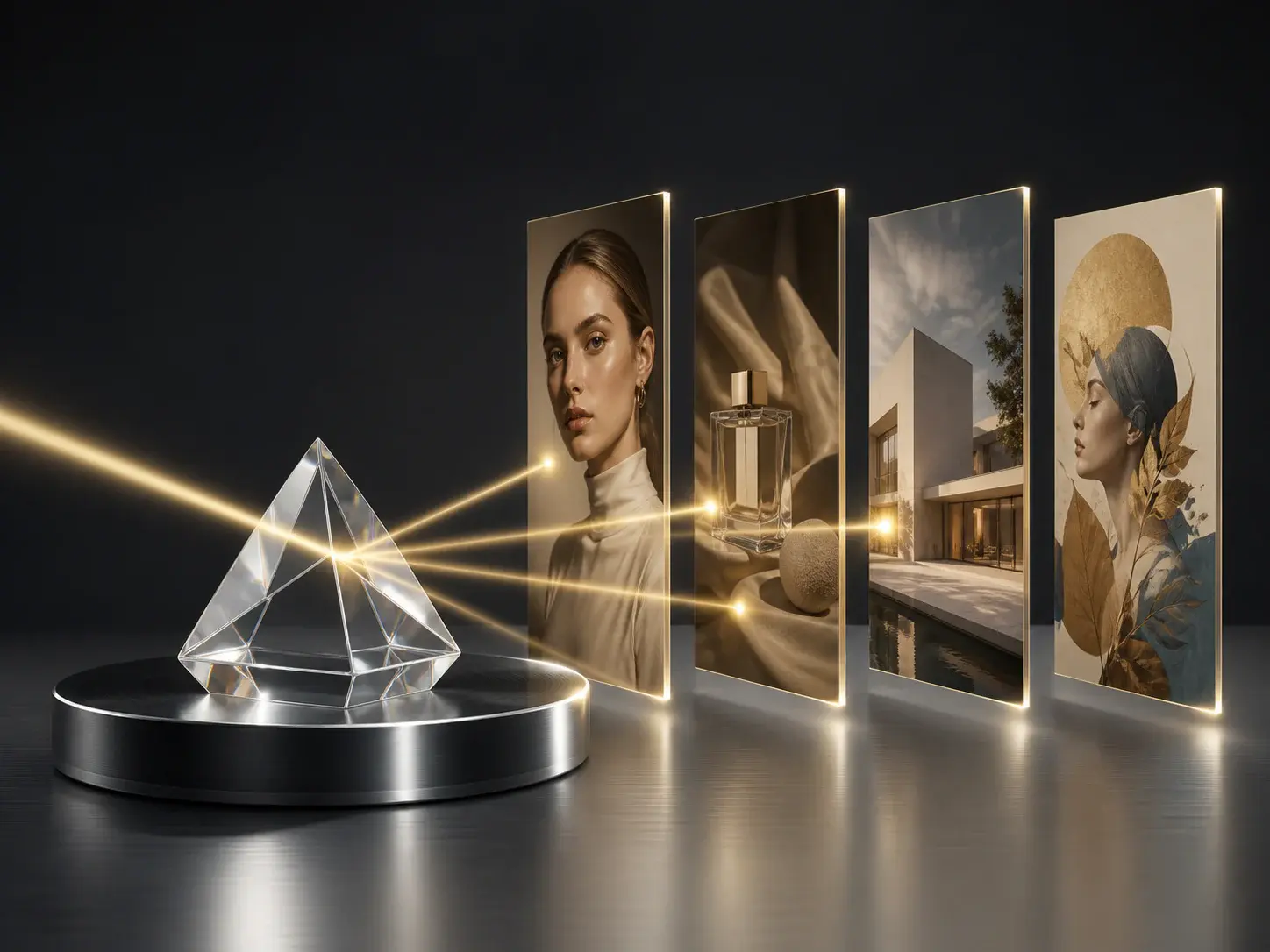
GPT Image 2.5 Features for Precise AI Image Creation
gptimage25ai.com keeps the page focused on GPT Image 2.5 intent while giving creators practical AI Image Generator and AI Image Editor controls.
GPT Image 2.5 Default
One Free Trial With 5 Credits
Every new account starts with 5 credits, enough to run one GPT Image 2.5 generation at 1K and judge the image style before buying a plan.
Instruction Following
Prompts That Actually Land
The GPT Image lane is strongest when the brief is specific: exact composition, readable text concepts, product placement, and multi-step edit instructions.
AI Image Editor
Reference-Guided Changes
Upload up to 16 reference images, describe the change, and use the AI Image Editor flow to adjust composition, style, color, product mood, or character direction.
AI Image Generator
Prompt to Image Quickly
Turn ad concepts, thumbnails, product ideas, avatar prompts, and social visuals into image drafts without switching tools or opening a separate editor.
Luna Lisa Alpha Watch
Preview Build Coverage
Luna Lisa Alpha is the community codename tied to GPT Image 2.5 testing. This site tracks what is verifiable and keeps a dedicated preview page for the search topic.
Independent Platform
Clear Model Attribution
GPT Image 2.5 AI uses model names only to describe available options and search topics. It is not affiliated with OpenAI and does not copy official branding.
GPT Image 2 vs GPT Image 2.5 vs Luna Lisa Alpha
Each GPT Image 2.5 search variant maps to a different intent. Pick the lane that matches your current image goal instead of guessing from names alone.
| Search intent | Best use | How this site positions it |
|---|---|---|
| GPT Image 2 | Current shipping model | The proven GPT Image generation lane for detailed briefs, reference-heavy edits, and readable text concepts available today. |
| GPT Image 2.5 | Next-version search window | This site's default lane: it runs on current GPT Image capability now and will track the newest available API, so the workflow is ready the moment 2.5 ships. |
| GPT Image 2.5 AI | Product and creator workflow | Answered with a complete AI Image Generator and AI Image Editor workspace built around GPT Image 2.5 prompts. |
| GPT Image 2.5 AI Image | Long-tail commercial intent | Answered with direct image generation, reference editing, comparison content, and a free trial CTA. |
| Luna Lisa Alpha | Preview build tracking | Covered on a dedicated page for creators following the community codename linked to GPT Image 2.5 testing. |
Which lane should I start with?
Start with GPT Image 2.5 because it is selected by default and one 1K generation costs 5 credits — exactly the signup bonus. Switch models when the brief needs a different image profile.
How to Create a GPT Image 2.5 Image
The homepage opens in AI Image mode with GPT Image 2.5 selected, so the first generation path is short.
AI Image Editor and AI Image Generator Use Cases
Move from a commercial brief to a polished visual direction, then keep the same workspace for precise reference edits and creator-ready variants.
Ad Creative Concepts
Generate paid-search and paid-social image drafts with GPT Image 2.5, then test offer framing, background color, and product focus before committing design time.
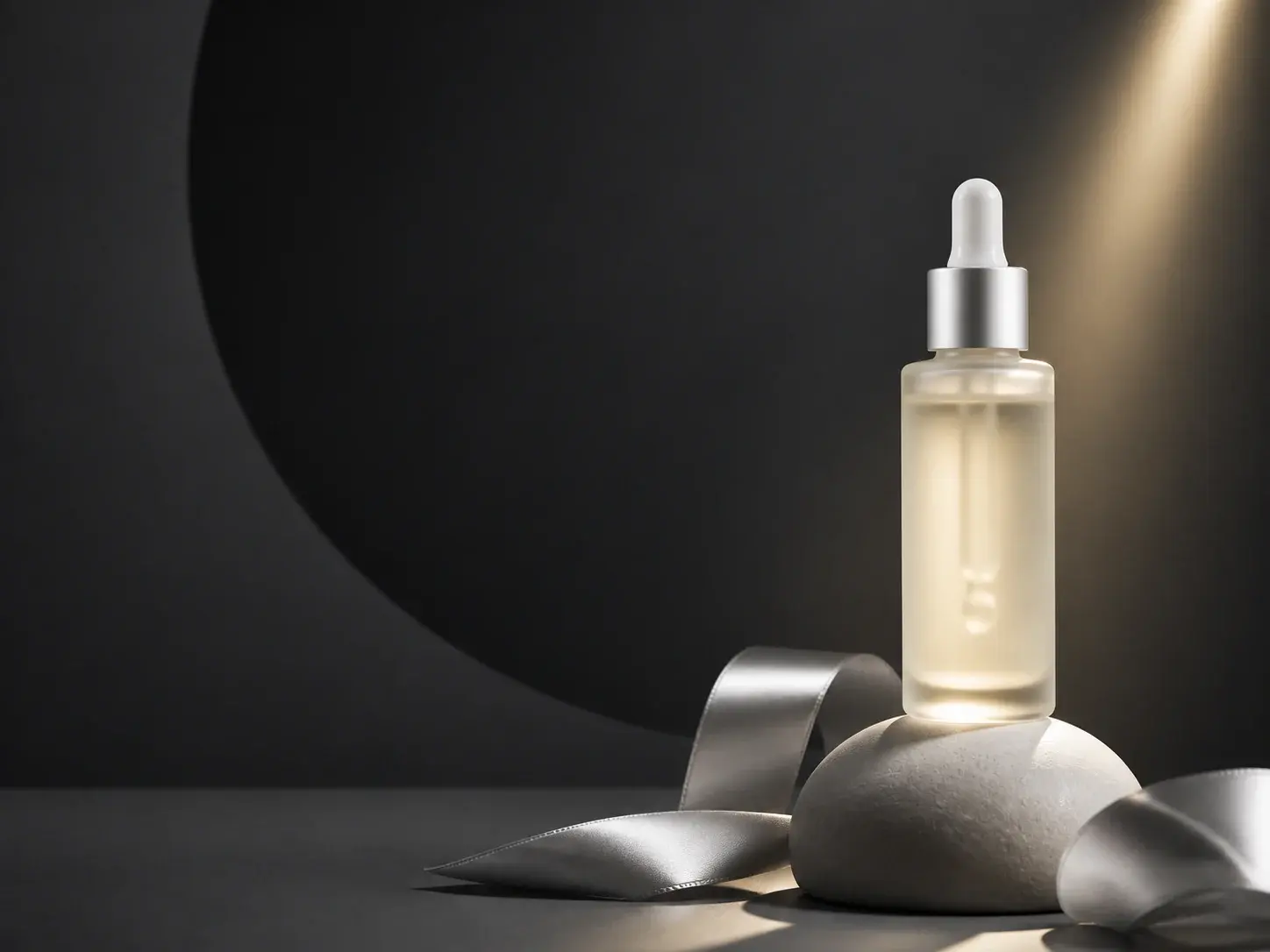
Text-Heavy Visuals
Use GPT Image 2.5 AI Image prompts for posters, banners, packaging, and launch graphics where readable words and clean layout carry the message.
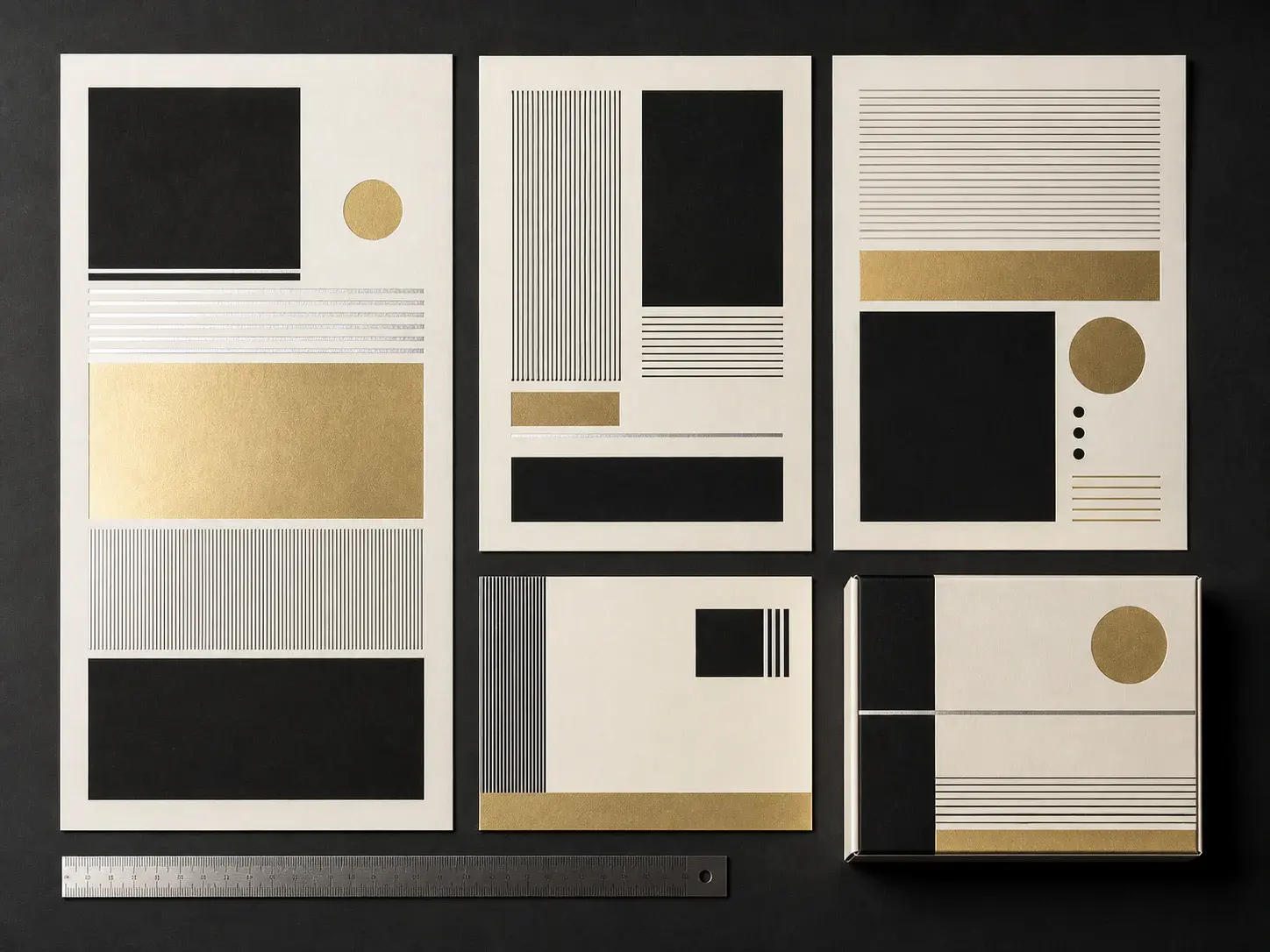
Reference-Based Editing
Use the AI Image Editor path to preserve a subject while changing style, lighting, background, color mood, or campaign direction from a prompt.
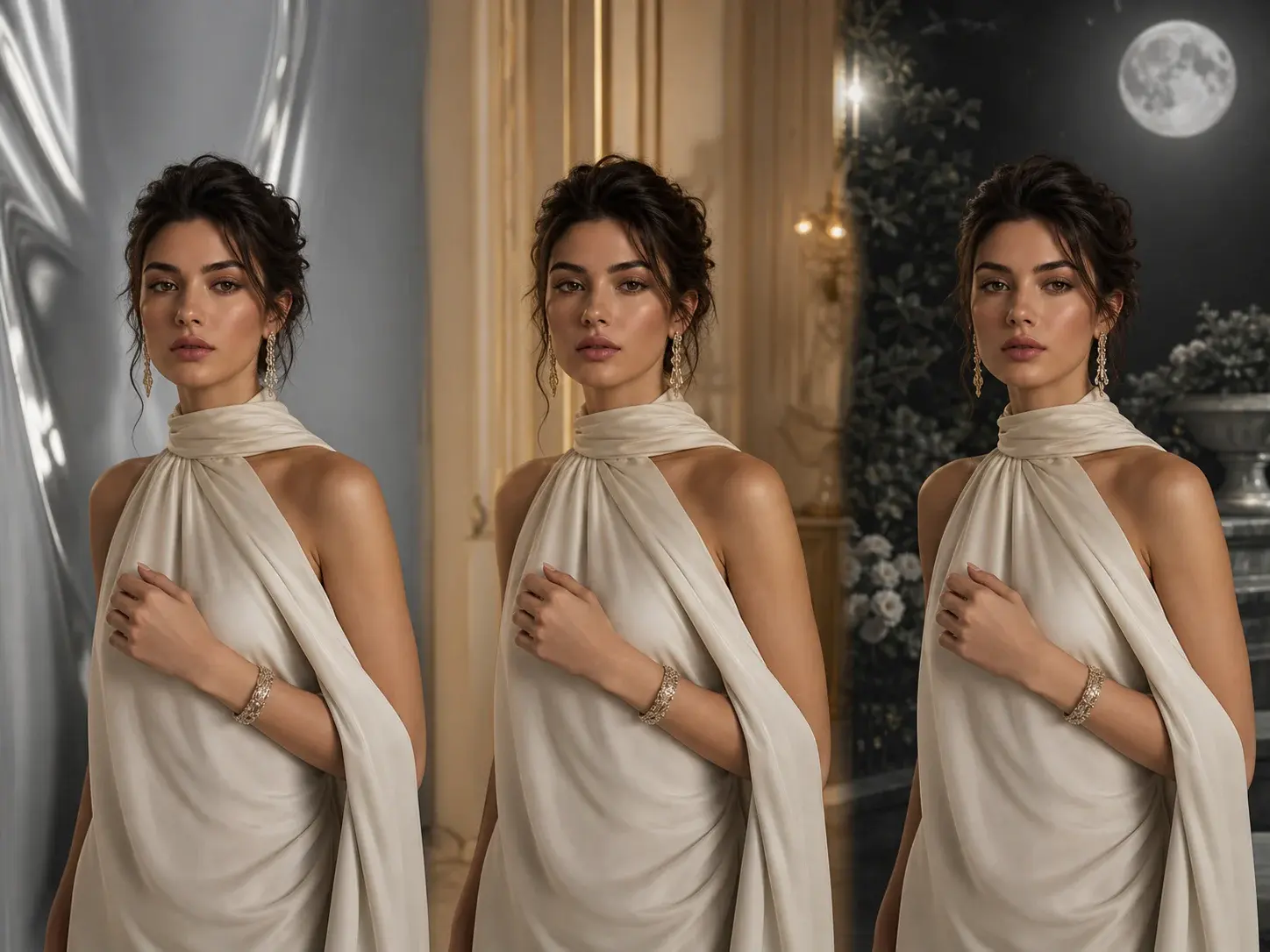
Creator Thumbnails
Create thumbnail concepts, avatar variants, reaction images, and channel art with GPT Image 2.5, or compare against other image models for a different look.
Start GPT Image 2.5 image creation with GPT Image 2.5 AI.
Write a prompt, keep AI Image mode focused, and move from first drafts into reference edits or premium models when the image needs more control.
Start CreatingGPT Image 2.5 AI FAQ
Try GPT Image 2.5 Free
Create your first GPT Image 2.5 image with 5 signup credits, then upgrade when GPT Image 2.5 AI Image workflows need more scale.